O1
Office
Approve a submitted order, then decline another with a reason
e2e/tests/staging-validation/office-o1-approve-decline-rfq.spec.js
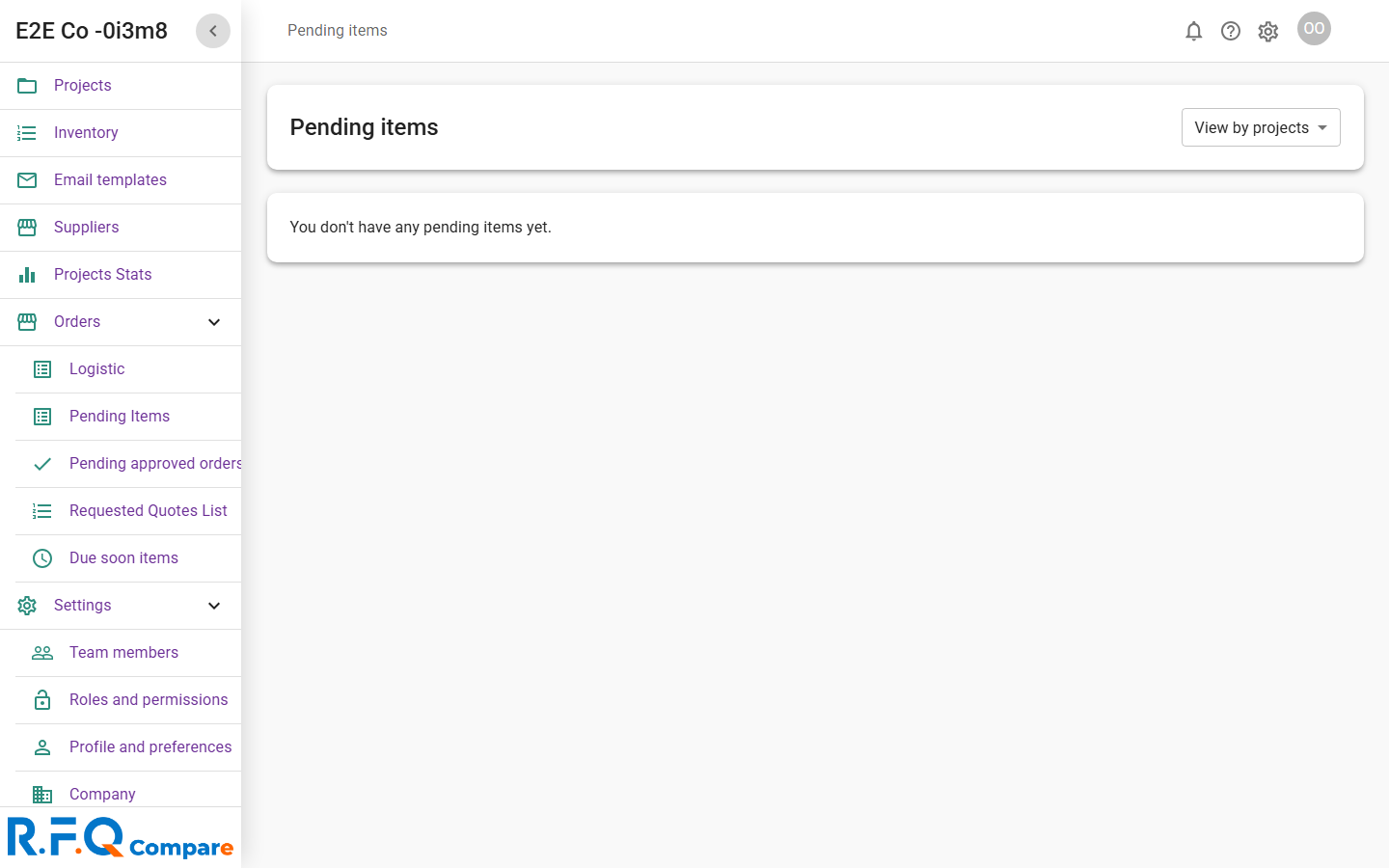
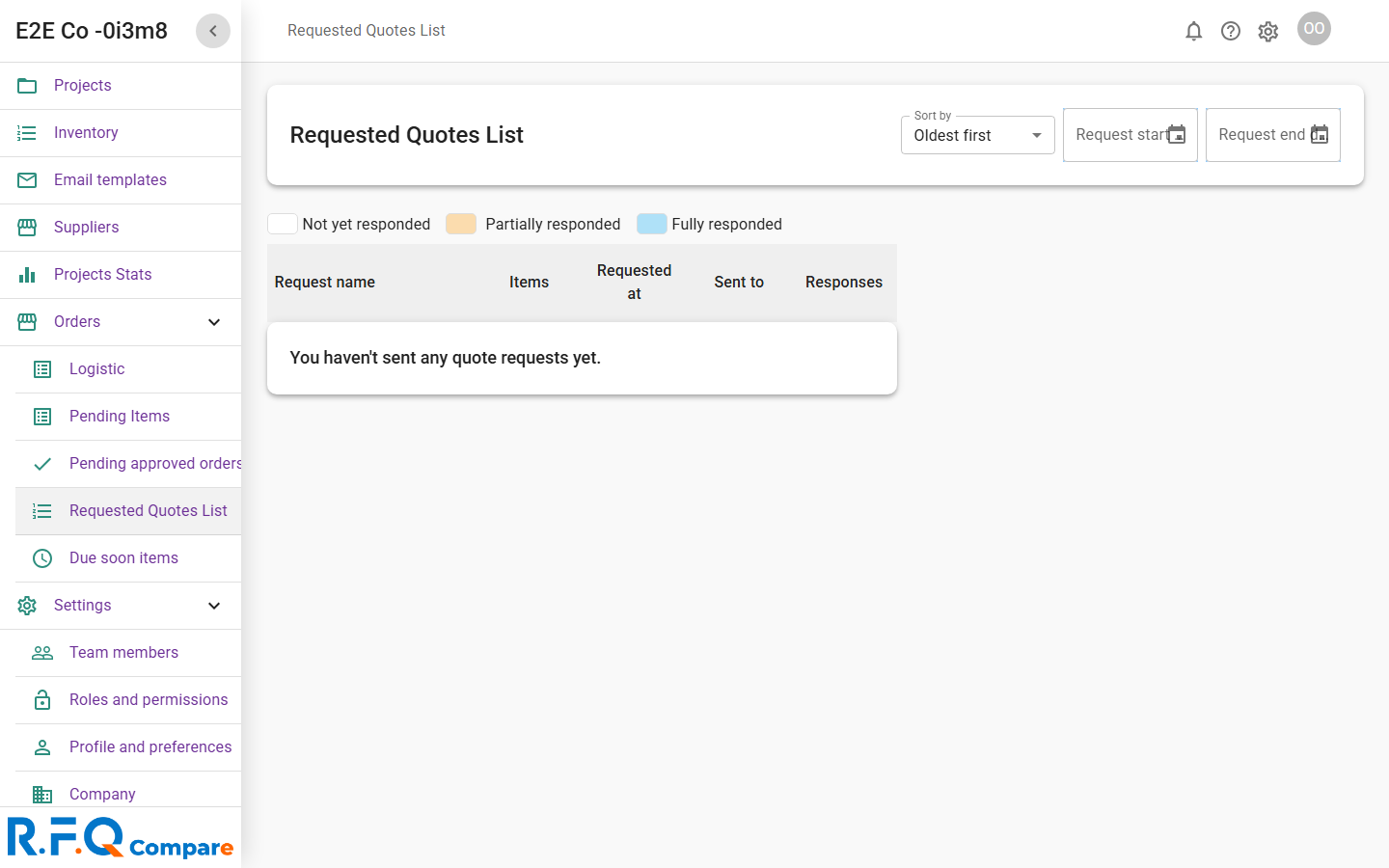
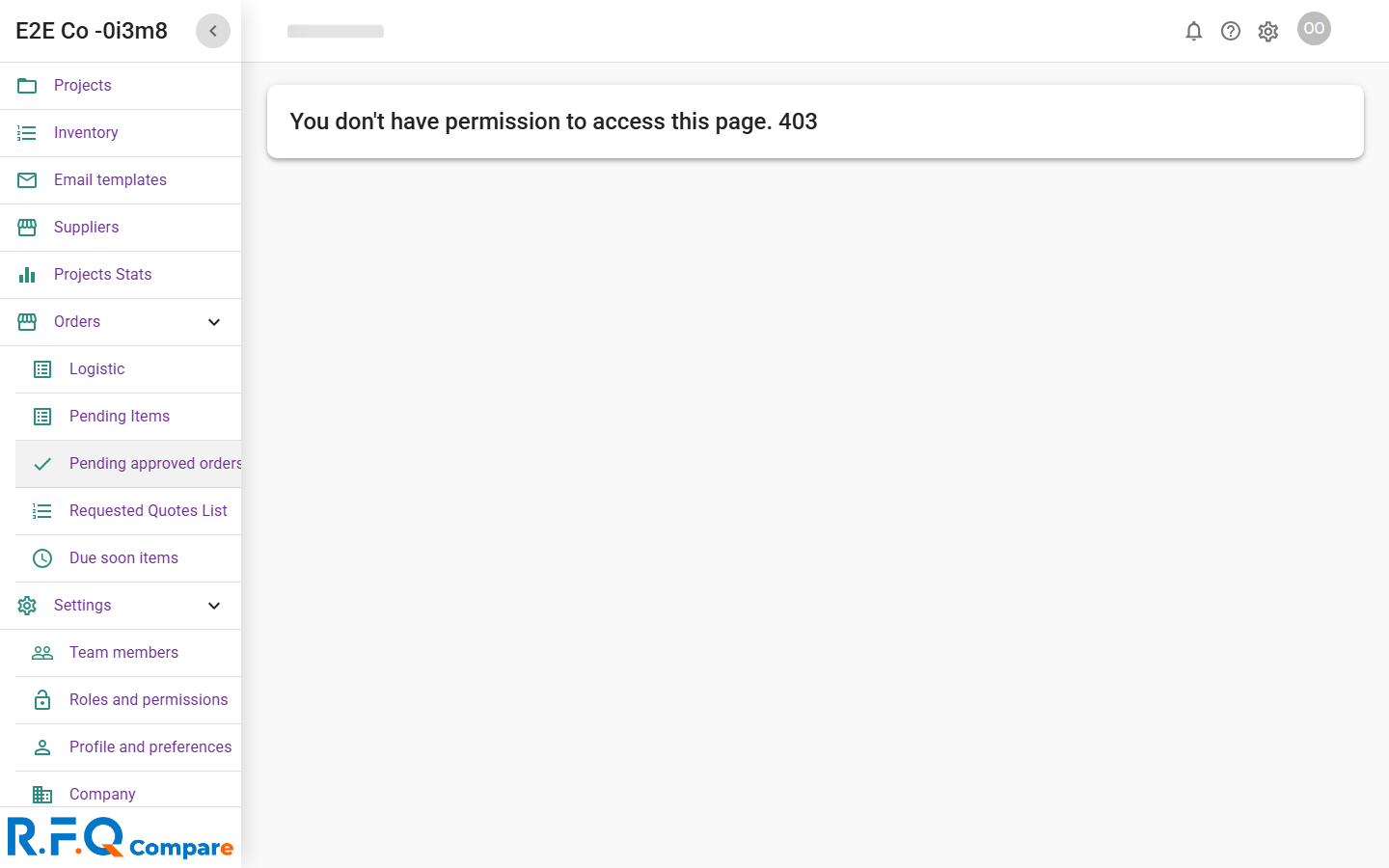
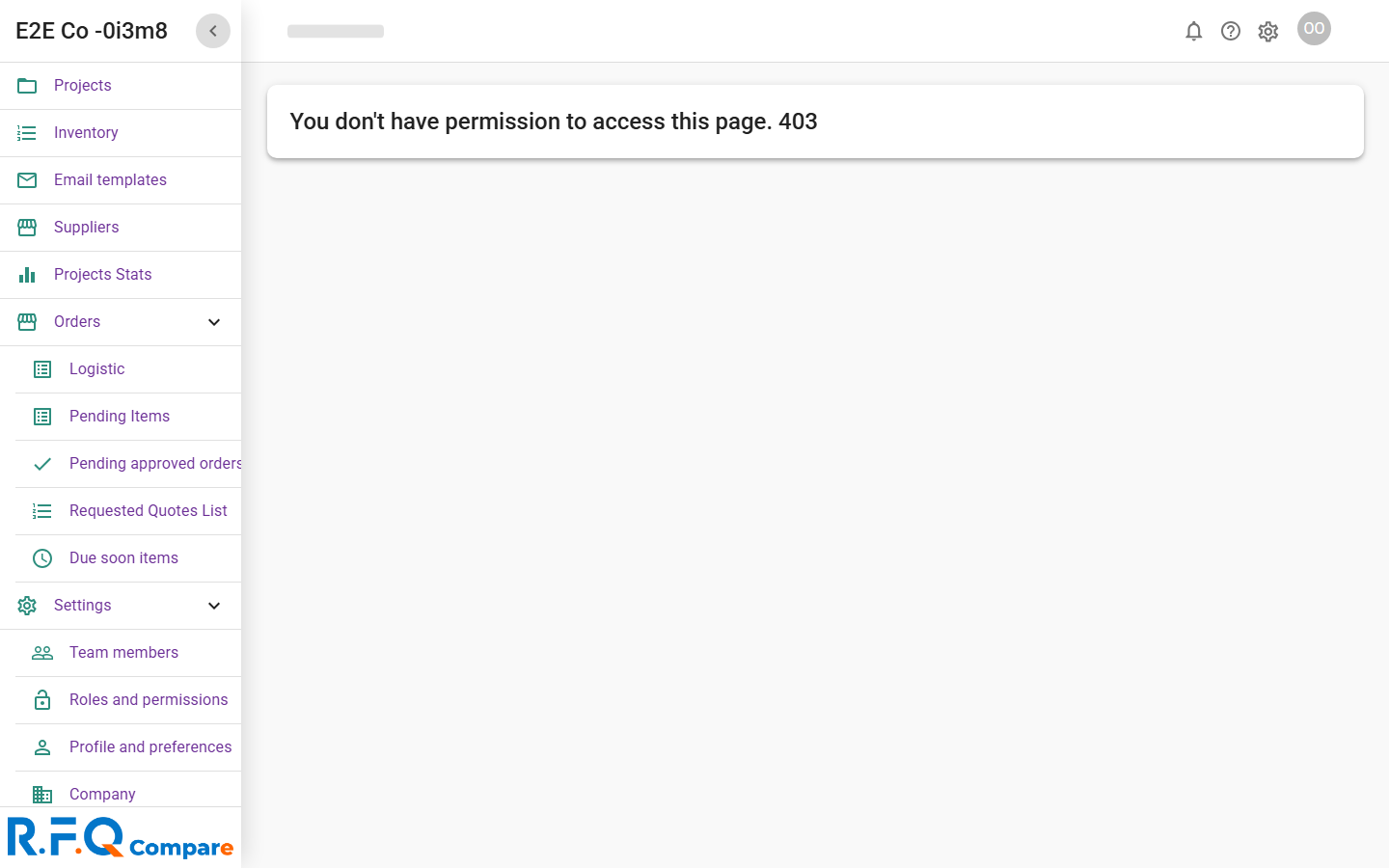
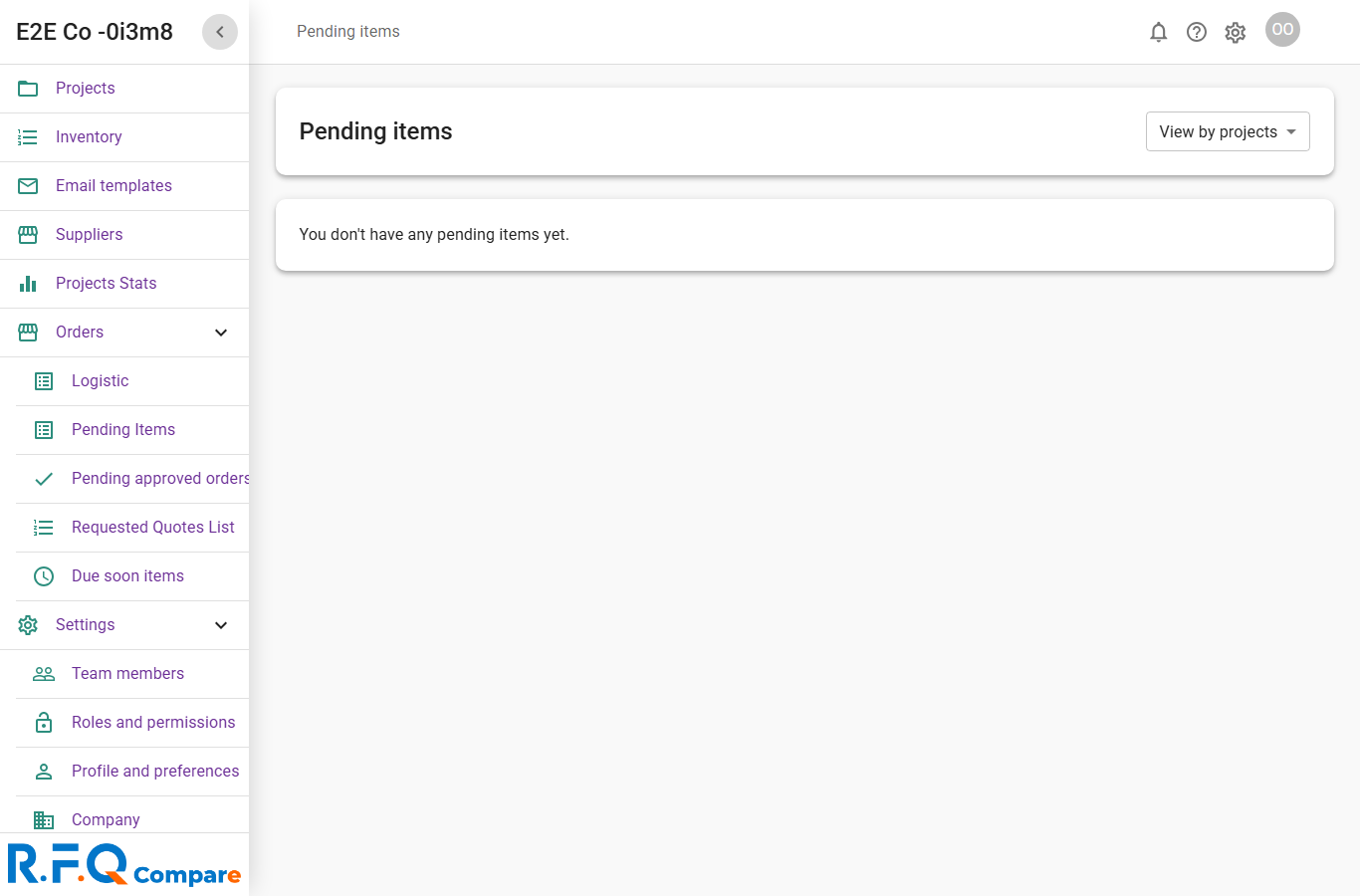
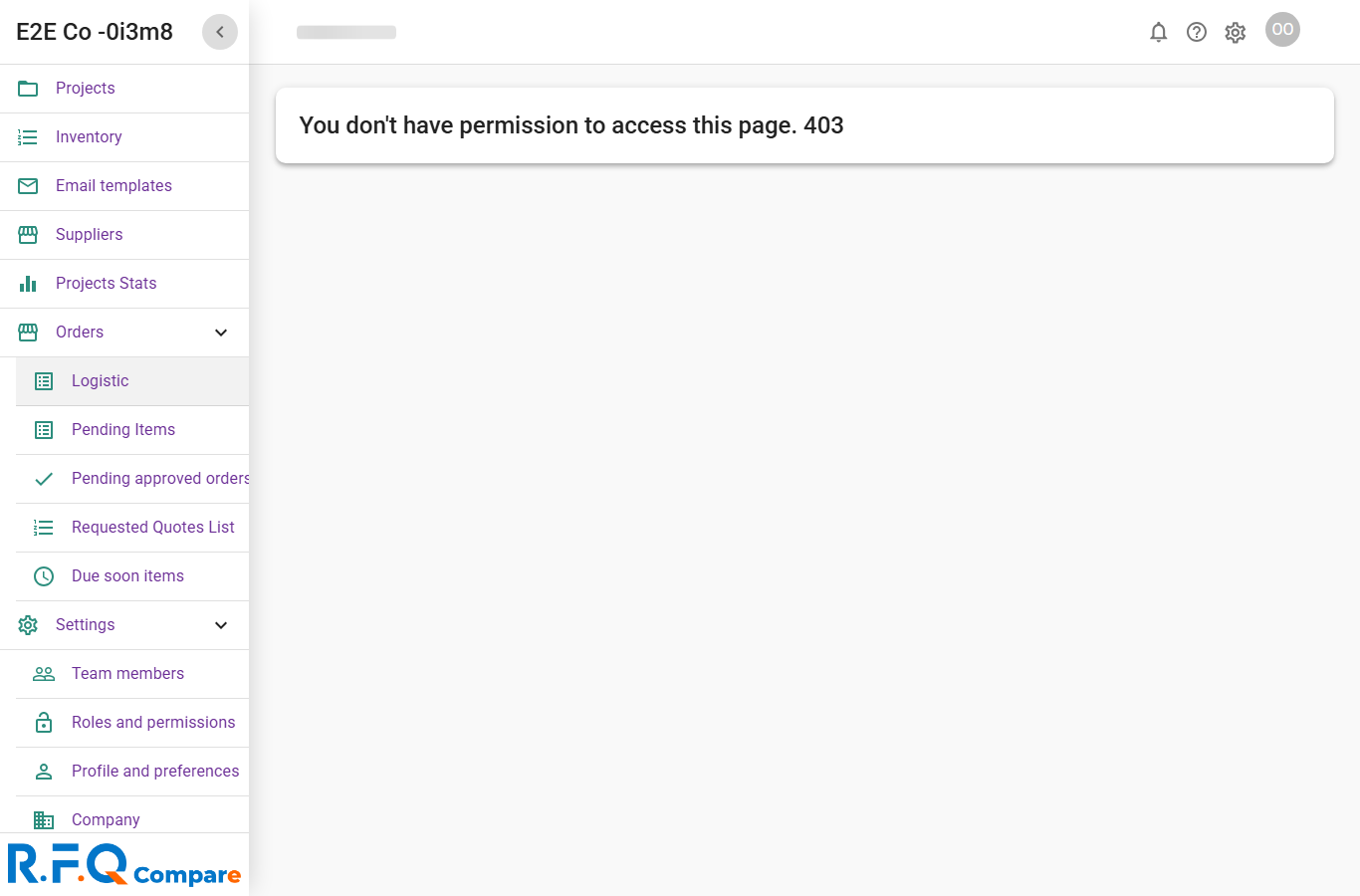
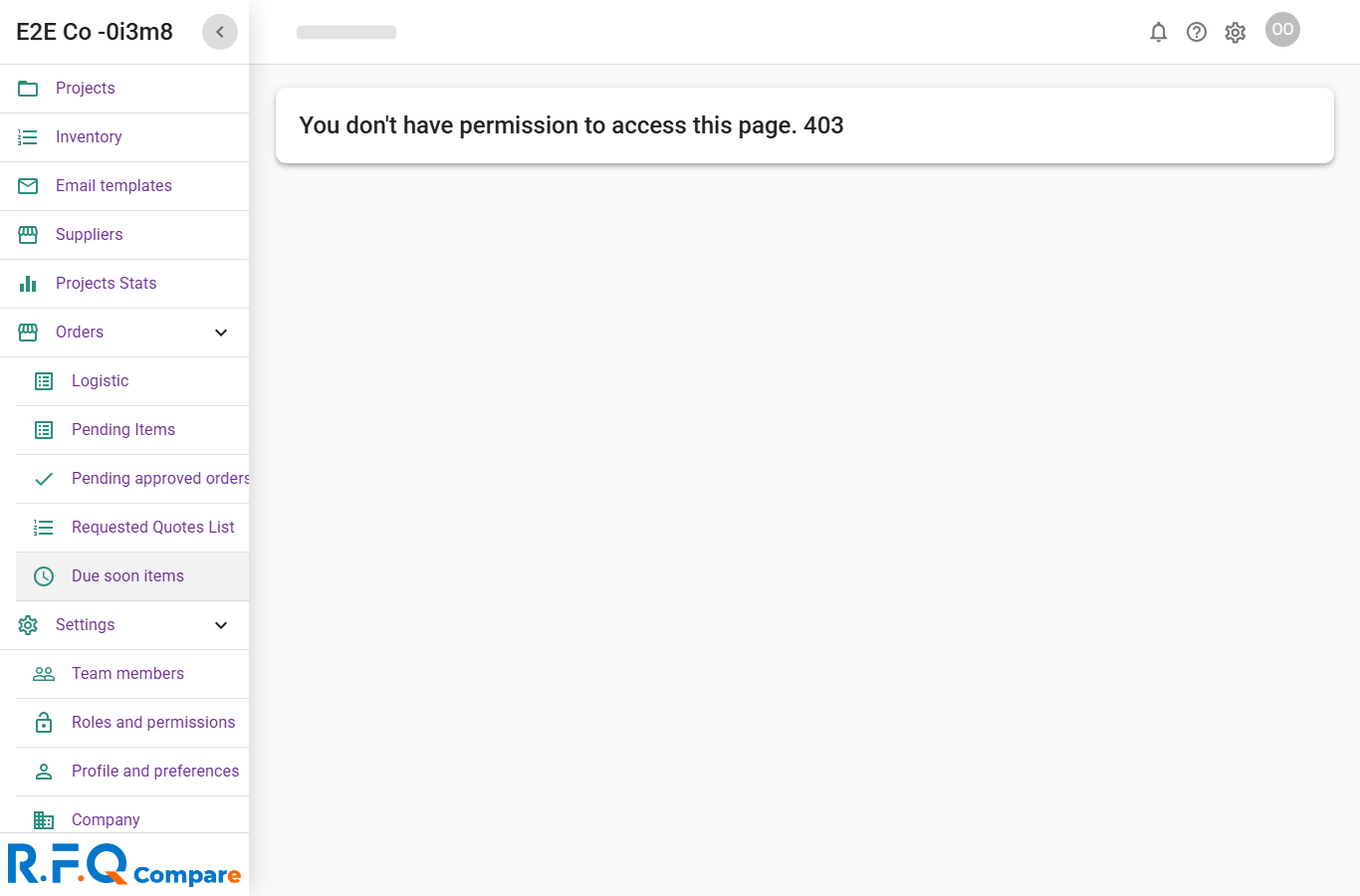
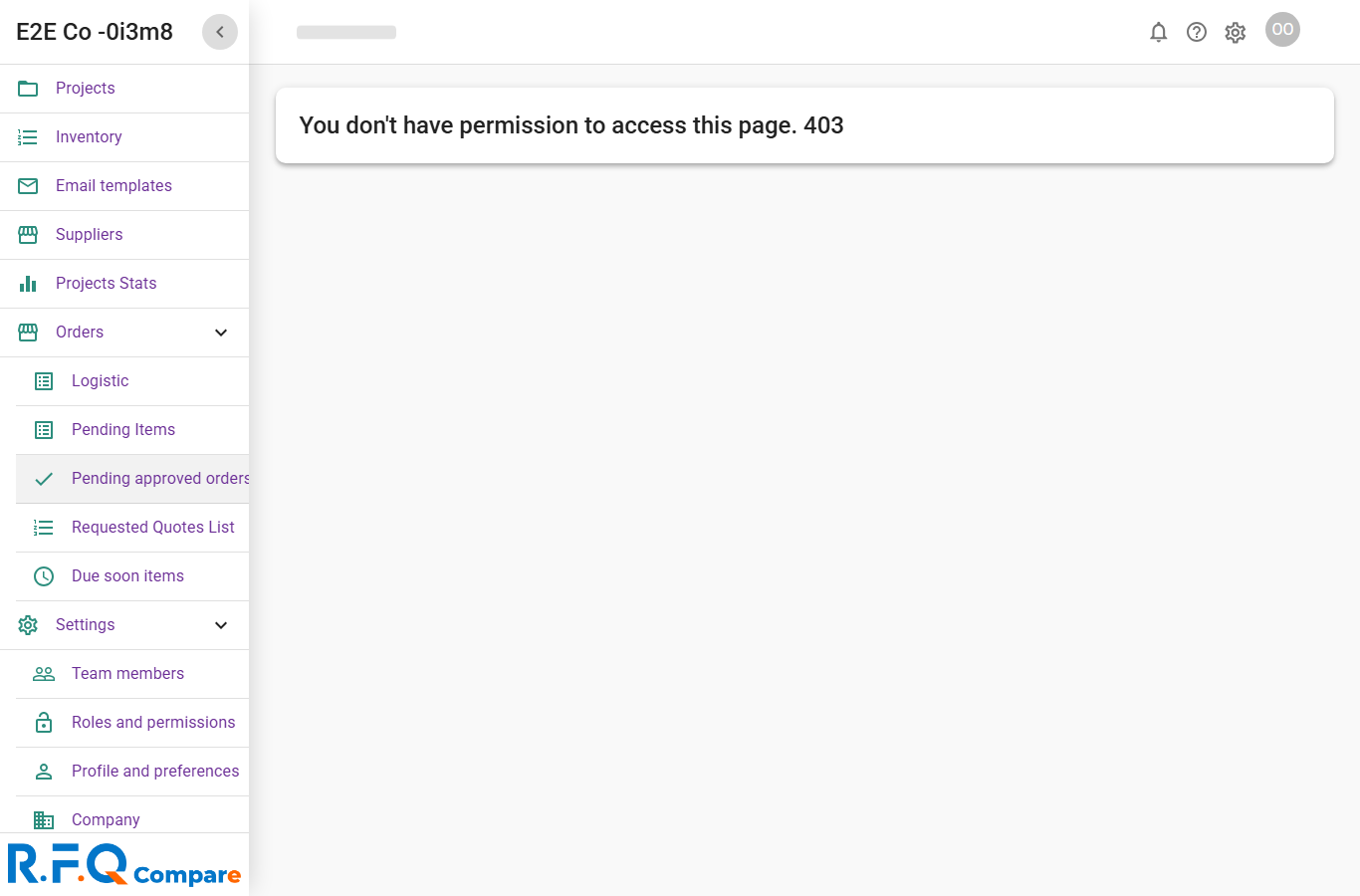
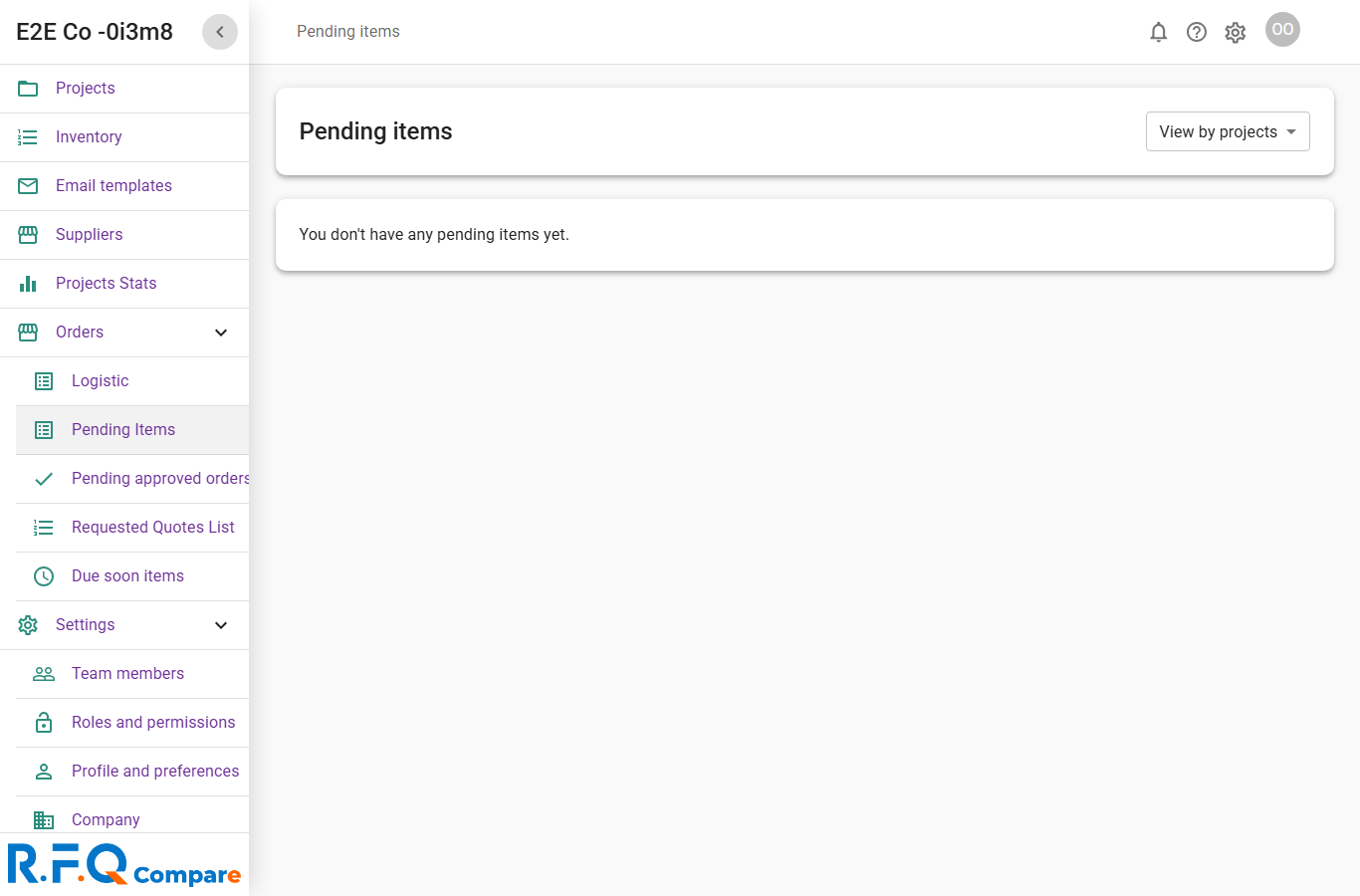
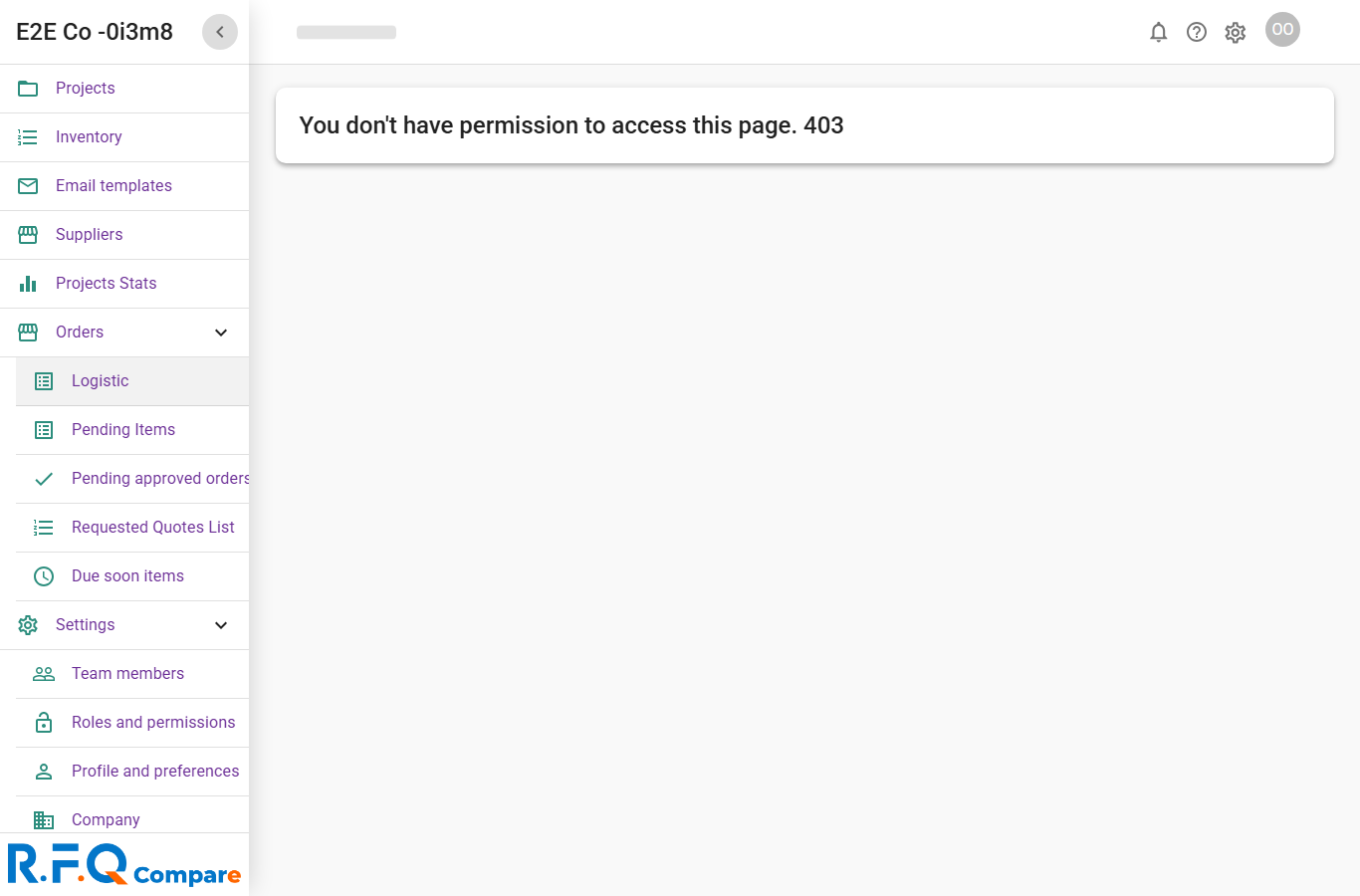
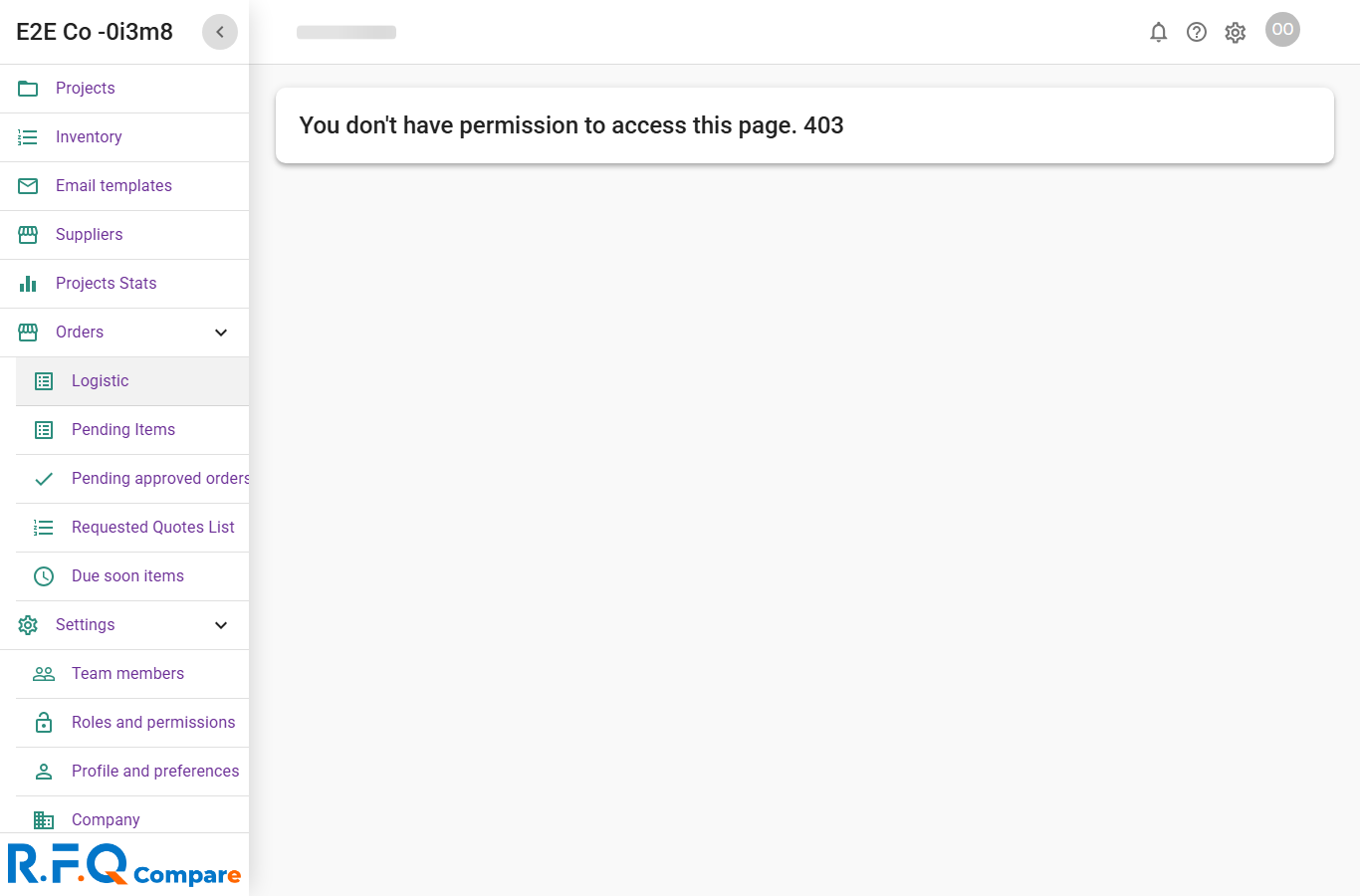
- Open the pending-approve-orders queue and confirm access.
- Open a submitted order and click approve (send to logistic or officer).
- Tick any user/driver checkbox in the confirmation modal and confirm.
- Return to the queue and open another submitted order.
- Click decline, enter a reason in the modal, and confirm.
- Check the order status reflects the approve and decline actions.
office approves a submitted order and declines another with reason · L20